


 Gospel Preachers TV
How to Choose IPTV for Smart TV Viewing: A Compatibility-First Guide
Works on smart TVs sounds reassuring until you cannot find the required app. Televisions use different operating systems, and app availability can depend on model, region and software support. Choosing IPTV for a smart TV should therefore begin with the screen, not the subscription price.
This guide covers five options that take different approaches—a player-based account, paid memberships and free ad-supported services—and explains what smart TV compatibility actually means before you spend anything.
Quick Answer: What to Check Before Buying IPTV for a Smart TV
A compatible arrangement needs three things:
-
An available application on your specific television
-
A supported account format
-
A service that supplies the content you intend to access
A paid player does not automatically include a television subscription. Before purchasing anything, find the model number in the television's settings or documentation, then check the app store on that television and compare it with the service's official support information.
If you are exploring subscription-based routes, marketplaces such as z2u.com list IPTV Account options that let you compare account formats and pricing before committing—but always verify device support first.
1. IPTV UK: A Player-Based Option to Investigate
IPTV UK describes several viewing-device options on the provider's website. For a smart TV, the practical question is which compatible application accepts the supplied account details.
-
Why it stands out: the subscription and setup information can be considered together before choosing a player-based arrangement.
-
Potential advantage: compatible equipment you already own may be usable without replacing the television.
-
Limitation: a player can have a separate licence or activation fee. Confirm the account format, cost and connection allowance first.
-
Best use case: readers who are comfortable setting up a supported player or asking for assistance with that process.
Test navigation with the remote, the guide and subtitles where available. Smooth playback alone does not tell you whether the menus suit everyone in the household. Check that the device setup instructions match your model rather than copying another platform's steps.
2. NOW: Check the Supported-Model List
NOW lists a range of television and streaming platforms, with restrictions to selected models. Its content memberships and optional upgrades are separate purchase decisions.
-
Standout feature: a published device list to compare against your equipment.
-
Advantage: useful when the app is officially available on the television you already use.
-
Limitation: an app appearing on another television of the same brand does not establish support for yours. Additional viewing features may change the total price.
-
Best use case: someone who knows which NOW content category they want and can confirm the exact device.
Check that the plan, application and expected quality form a compatible combination.
3. Plex: Check the Free Live-TV Offering
Plex's live-TV support page lists supported applications for its free, ad-supported television service, including supported smart TVs.
-
Standout feature: free live-TV viewing distinct from its personal-media-server features.
-
Advantage: a way to investigate an alternative catalogue without selecting a conventional premium television package.
-
Limitation: the free channels are not the same as a complete cable or satellite bundle. Avoid confusing separate Plex features when comparing costs.
-
Best use case: supplementary viewing on a supported television.
Browse the actual catalogue and test the guide before deciding whether it covers enough of your regular interests.
4. Rakuten TV: Separate Free Channels From Other Purchases
Rakuten TV's live-TV guidance describes free, ad-supported channels and identifies supported platforms. Its free viewing should be distinguished from other transactions offered by the service.
-
Standout feature: a free linear-channel option for compatible equipment.
-
Advantage: worth checking before assuming every additional television service needs another recurring content subscription.
-
Limitation: device support and the available service features need checking for your location and model.
-
Best use case: a household happy to evaluate ad-supported viewing.
Confirm what is available in the television app itself rather than relying on a catalogue shown on another device.
5. Freely: Consider a Different Hardware Route
Freely offers UK broadcaster viewing through compatible televisions and streaming devices. It is a free-to-air alternative rather than a premium player-based subscription.
-
Standout feature: an internet-TV route focused on familiar UK broadcaster content.
-
Advantage: may cover a household's everyday viewing without a Freely service subscription.
-
Limitation: do not assume an ordinary smart TV can add it as an unrestricted app. Check the supported equipment and any purchase required.
-
Best use case: someone checking free-to-air options while buying or extending a television setup.
Include hardware in the comparison even when the service itself has no subscription charge.
Compatibility Comparison at a Glance
| Option | What to verify first |
|---|---|
| IPTV UK | Compatible player and supplied account format |
| NOW | Exact model on the support list |
| Plex | Supported app and intended free feature |
| Rakuten TV | Live-TV availability on your platform |
| Freely | Freely-compatible television or streaming device |
When an External Player Makes Sense
Keep the television's built-in apps if they meet your needs. Consider a separate player when it solves a verified missing-app or usability problem. Check the specific hardware and service support before buying; a new box cannot guarantee that an unreliable source stream becomes dependable.
For households comparing subscription costs, platforms like z2u.com can be a useful starting point to Buy IPTV Account packages at competitive prices—provided you have already confirmed that your television or player supports the required app and account format.
Frequently Asked Questions
Can every smart TV run the same apps?
No. Check model, operating system and regional availability rather than the manufacturer alone.
Does a player licence include channels?
Not necessarily. Player software and content access may be separate purchases.
Is an external streaming device required?
Only if your intended service needs it or the existing apps do not meet your requirements.
Can I transfer settings between televisions?
That depends on the application and account rules. Check the supported transfer method rather than copying credentials indiscriminately.
Will a 4K television make every stream 4K?
No. Content, subscription, application, playback equipment and connection must support the intended quality.
What should I test before paying?
Confirm login, essential content, remote navigation, subtitles and the relevant account allowance on the actual television.
Start With the Screen You Own
Choosing IPTV for a smart TV is easier after confirming the application route. Evaluate the featured player-based service where suitable, then compare paid memberships or free alternatives against the same viewing needs. If you decide a paid subscription is the right fit, you can Buy Cheap IPTV Account options through z2u.com after verifying compatibility—but a confirmed working setup is always more valuable than a broad compatibility slogan.
Key takeaway: Compatibility comes first, price comes second. Check your exact TV model, confirm the app is available, and only then compare subscription options.
Categories
Read More
Quand j'ai lancé mon premier site, je croyais qu'un article qui marchait se transformait en revenu. En lisant Net1news un soir où je cherchais justement à trier tout ça, j'ai compris que le sujet n'était pas mon audience, mais ce que les annonceurs achètent. Depuis, je regarde mes pages autrement. Le CPM, sans jargon, c'est le tarif qu'un annonceur...

Los Angeles Dodgers ace Tarik Skubal is within line in the direction of probably get hold of a agreement relevance fifty percent a billion hard cash. Los Angeles Dodgers ace Tarik Skubal is in just line towards quite possibly acquire a deal great importance 50 % a billion cash. ESPN's Jeff Passan suggests Skubal's foreseeable future agreement may achieve $500 million, barring the wage cap....

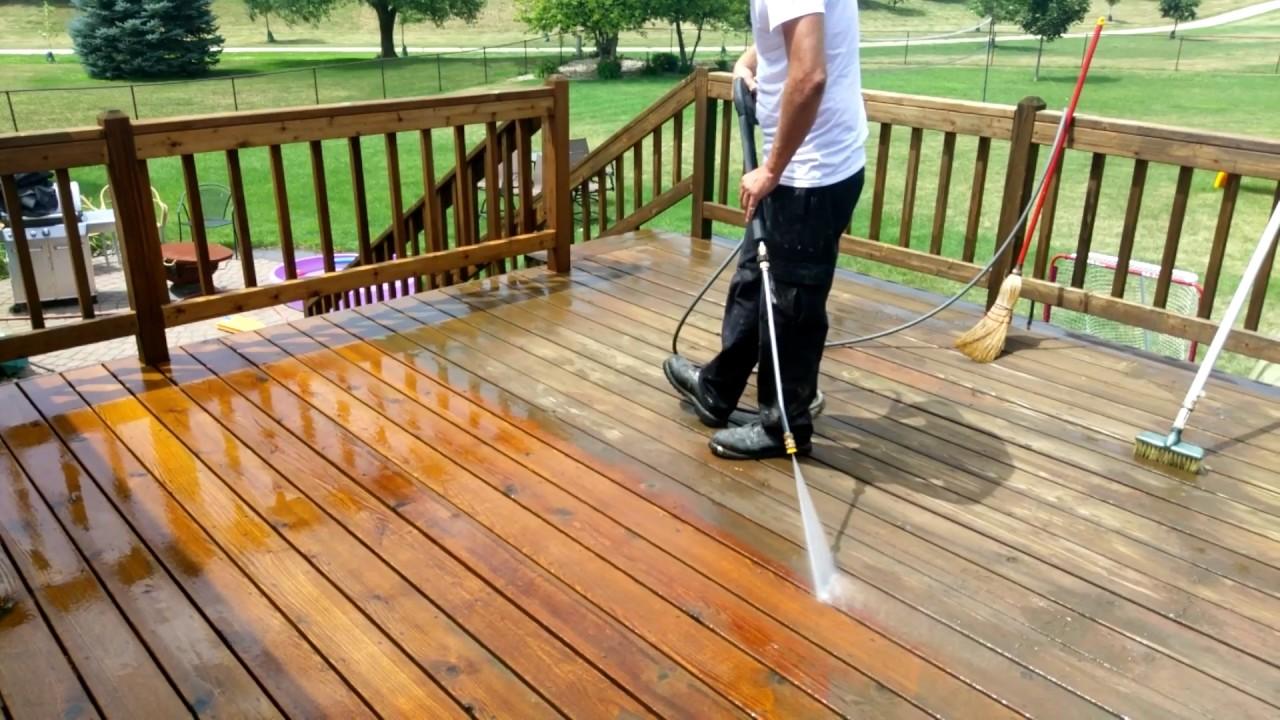
Keeping Outdoor Decks in Good Condition An outdoor deck provides a useful space for relaxing, entertaining guests, and enjoying fresh air. However, regular exposure to sunlight, rain, dirt, and everyday foot traffic can gradually affect its appearance and condition. Dust, stains, algae, and other surface buildup may make the area look neglected while creating additional maintenance concerns....
Why Prompt Laundry Appliance Care Matters A broken washing machine or dryer quickly turns everyday household routines into a frustrating chore, leaving baskets of damp clothes and unexpected trips to the laundromat. Small early warning signs—such as loud thumping during a spin cycle, clothes taking twice as long to dry, or small puddles forming beneath the unit—often point to worn...

The Appeal of Hardwood Flooring Hardwood floors are a popular choice for homeowners who want an attractive and practical flooring option. Their natural grain patterns, warm appearance, and variety of finishes make them suitable for many interior styles. Whether updating a single room or renovating an entire home, installing hardwood can create a consistent look while providing a durable surface...